How to Transfer Nol Card Balance in Dubai: Steps, Fees & Limits
RTA moves nol balance between cards through its refund service. You cancel or replace the old card, and RTA credits the remaining balance to another personal or registered nol card, free of charge.
Submitting the request blocks the old card straight away, so the route suits a lost, stolen, damaged, faulty or expired card, or one you want to retire. Personal and registered cards can do it online with a 4 working day approval. Anonymous silver and gold cards skip the transfer and get a cash refund at a metro ticket office instead.
Nol card balance transfer quick overview

| Card type | Transfer to another card | Cash refund | Where to apply |
|---|---|---|---|
| Personal (blue) | Yes | Yes | RTA website, nol Pay app, Smart Kiosk |
| Registered silver or gold | Yes | Yes | RTA website, nol Pay app, Smart Kiosk |
| Anonymous silver or gold | No | Yes, at a ticket office only | Ticket Office Machine at any metro station |
| nol Red Ticket | No | Yes, within 30 days of purchase | Any metro station |
| Bank-issued (Go4it) | Through the issuing bank | Through the issuing bank | Your bank |
When a balance transfer is allowed
RTA accepts a transfer when the old card is lost, stolen, damaged, faulty or expired, or when you cancel a valid card. These conditions apply:
- The destination card must be a personal or registered nol card.
- A card you cancel must be valid and activated.
- A lost, damaged or expired card needs a refund request within 1 year of its expiry date.
- A lost or damaged card needs a replacement or renewal applied for first. RTA accepts the refund only after that, and you pay the replacement card fee yourself.
- The refund covers the remaining balance plus any top-up that hasn’t been activated on the card yet.
Transfer balance online
The RTA website, the nol Pay app and RTA Smart Kiosks all submit the same request. Smart Kiosks sit at customer happiness centres and vehicle testing centres, and they run the same login and refund flow as the website. Every route blocks the old card the moment you submit.
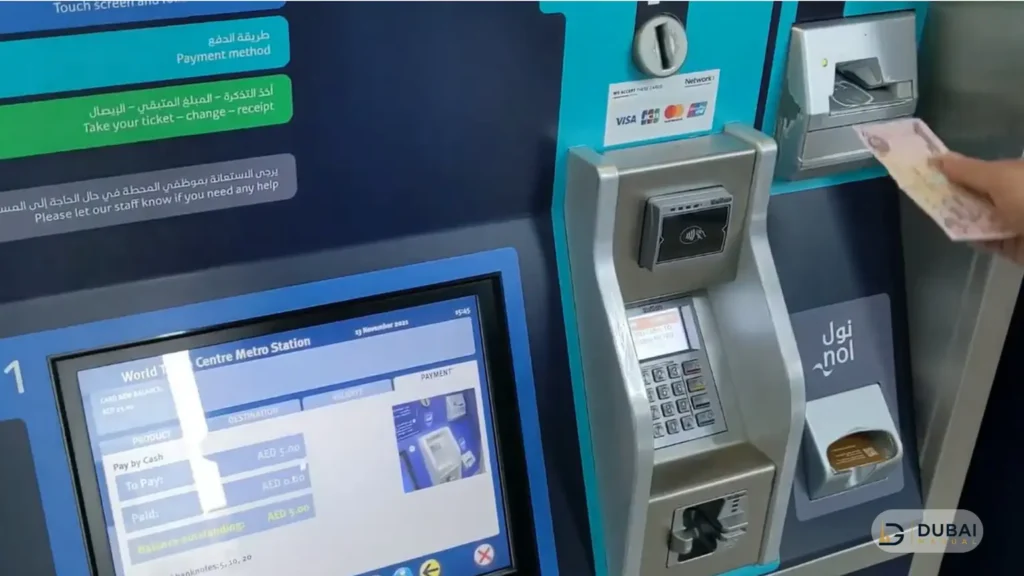
On the RTA website
- Open the RTA nol portal and log in with UAE Pass or your RTA account. If you have neither, create an RTA account first.
- Select Refund on the dashboard, then choose Refund nol Card Balance under Refund Type.
- Enter the nol card’s Tag ID and click Next.
- Select the reason for the refund.
- Choose the nol balance transfer method and enter the PIN code.
- Confirm and submit the application.
In the nol Pay app
nol Pay is available on the App Store, Google Play and Huawei AppGallery.
- Log in with UAE Pass.
- Select Refund nol Card Balance.
- Tap the card on your phone’s NFC area, or pick a card linked to your RTA account.
- Select the reason for the refund.
- Select Transfer to nol Card.
- Tap the destination card on the NFC area, or pick another card linked to your account.
- Confirm and submit the application.
Track the request & activate the balance
Two SMS messages follow a submission. The first confirms receipt and carries the card’s Tag ID. The second arrives after approval with a reference number and the activation instructions. If the second SMS hasn’t arrived after 4 working days, submit a complaint to RTA.
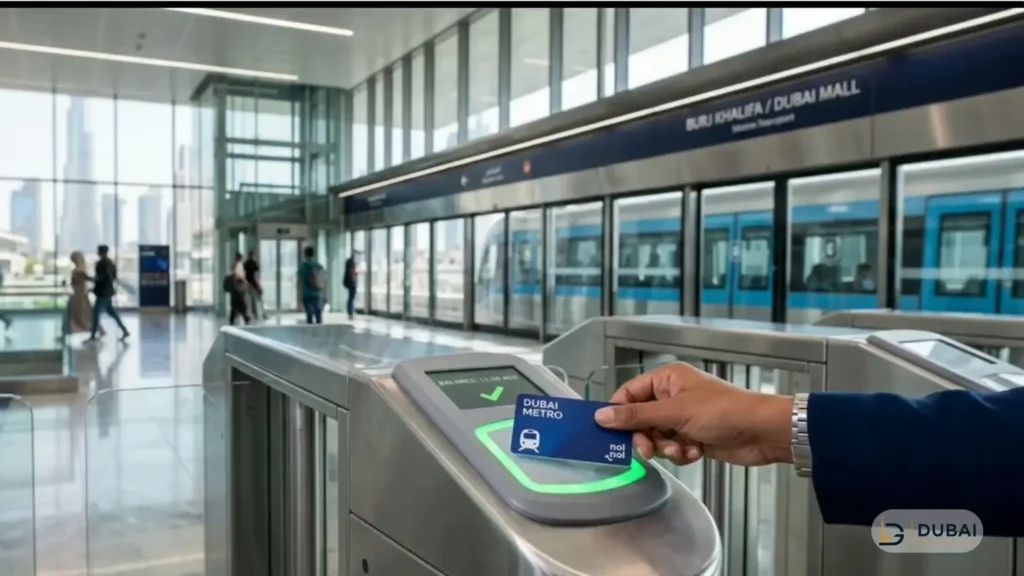
Once the second SMS lands, load the balance by tapping the destination card on an online device:
- nol Pay, parking machines and solar machines pick it up 45 minutes after the SMS.
- Metro gates apply it between 45 minutes and 4 hours after the SMS.
Collect a cash refund
Cash is available for balances up to AED 100, and you select it in place of the transfer when you submit the request. After the second SMS, take the Tag ID (or the first SMS) to a station counter. Cash is paid out at six Dubai Metro stations: Centrepoint, Union, BurJuman, Mall of the Emirates, Al Qiyadah & Sobha Realty.
The approval SMS lists the stations that can pay you, so wait for it before you visit a station.
Fees & deadlines
| Item | Value |
|---|---|
| Transfer to another nol card | Free |
| Cash refund fee | 2.5% or AED 5, whichever is higher |
| nol Red Ticket cash refund fee | AED 2 |
| Approval time | 4 working days |
| Cash collection window | 30 days from approval, after which the refund is cancelled |
| Transfer activation window | 180 days from approval |
Cash refunds are capped at AED 100, and 2.5% of AED 100 is only AED 2.50, so the cash fee works out to AED 5 on every eligible balance.
Transfer from an anonymous silver or gold card
An anonymous card can’t transfer its balance. A Ticket Office Machine at any metro station refunds it in cash while the card is valid and active and the balance is up to AED 100.
- Hand the card to the station agent at the Ticket Office Machines.
- The agent checks that the card is valid and active and that the balance sits within the AED 100 limit.
- The agent pays the cash on the spot, minus the AED 5 fee.
Blocked, expired, damaged and faulty anonymous cards don’t qualify at the counter. RTA’s online channels accept an anonymous card only after it is registered to an RTA account, and registration fees are non-refundable.
Lost, stolen & faulty cards
A lost or stolen card follows three steps:
- Report the card to RTA. It is blocked within 48 hours of the report, and RTA isn’t responsible for any loss from card use during those 48 hours.
- Apply for a replacement or renewal and pay the replacement fee.
- Submit the refund request within 1 year of the old card’s expiry date, choosing the replacement as the destination when it is a personal or registered card.
A card that turns faulty within 30 days of purchase can skip the refund. Staff at a metro Ticket Office Machine replace it on the spot:
- A personal card gets a free silver retention card with AED 19 payable for its starting balance, and the new personal card arrives within 4 working days.
- A registered or anonymous card is swapped for the same category, with the AED 6 issuance fee waived and AED 19 payable.
Bank-issued, virtual & Travel Pass balances
- A bank-issued nol card (Go4it) goes back to the issuing bank for lost, damaged, faulty or expired cases.
- A virtual nol card on a compatible Samsung or Huawei phone or a Huawei watch refunds through nol Pay only.
- Travel Pass balances refund only on personal and registered cards, calculated pro rata rather than by remaining days, with service charges on cash refunds. A 7-day Travel Pass on an anonymous card can’t be refunded once activated.
FAQ
Can I transfer nol balance without blocking the old card?
No. Every refund request creates a card blocking request, so the old card stops working once you submit. RTA credits the remaining balance to a personal or registered nol card instead.
How long does a nol balance transfer take?
RTA approves the request in 4 working days. After the approval SMS, the balance shows on the destination card 45 minutes later at nol Pay, parking machines and solar machines, and between 45 minutes and 4 hours later at metro gates.
Is there a fee to transfer nol balance?
Transferring to another nol card is free. A cash refund costs 2.5% or AED 5, whichever is higher, which means AED 5 on any balance up to AED 100.
Can I transfer the balance on a silver card?
An anonymous silver card can’t transfer its balance. A metro Ticket Office Machine refunds it in cash when the card is valid and active and the balance is up to AED 100. A silver card registered to your RTA account follows the registered-card rules and can transfer online.
Which number do I call about a nol refund?
Call RTA’s call centre on 800 90 90, or +971 4 605 1414 from overseas. Metro station staff handle cash collection and card replacement in person.
Next steps
- Check your card type: a blue card is personal, and a silver or gold card is registered only if you linked it to your RTA account.
- For a personal or registered card, log in to nol Pay with UAE Pass and submit Transfer to nol Card with the destination card in hand.
- For an anonymous card with up to AED 100, take it to a metro Ticket Office Machine.
- When the second SMS arrives, wait 45 minutes and tap the destination card on an online device.