Lulu Exchange Balance Check: App, SMS, ATM & Phone
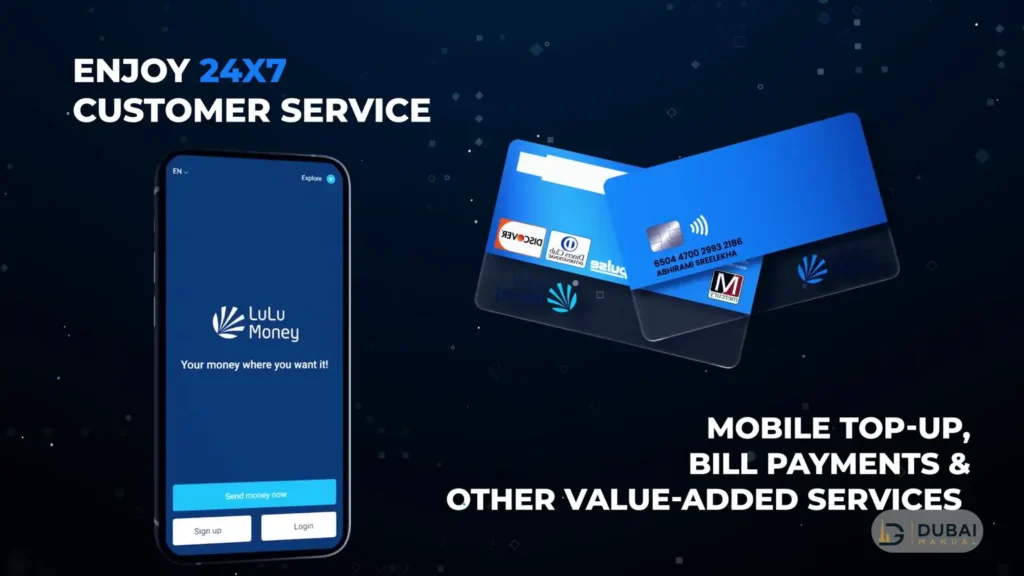
Open the LuLu Money app, tap LuLu Money Cards on the home page, and the available balance sits on the card at the top of the screen. That is the quickest check for a Lulu salary card, and it takes under a minute once you are logged in.
Without the app or mobile data, you can send an SMS to 51199, use a partner ATM, call 600 522 204 or visit a branch. The right route depends on the card you hold, because Lulu runs a salary card, a digital wallet and a travel card, and each keeps its balance in a slightly different place.
Lulu Exchange balance check key details
| Method | Works for | What you need |
|---|---|---|
| LuLu Money app | Salary card, wallet, Travel Card | App PIN or biometrics, internet connection |
| SMS to 51199 | Salary card | Full card number, the mobile number registered with Lulu, a UAE network |
| ATM | Salary card, Travel Card | The card and its 4-digit PIN |
| Phone, 600 522 204 | Any Lulu card | Registered details for an identity check |
| Branch | Any Lulu card | The card and your original Emirates ID |
Which Lulu card do you have?
Three Lulu products get called “the Lulu card”, and the balance check differs for each.
| Product | What it is | Where the balance shows |
|---|---|---|
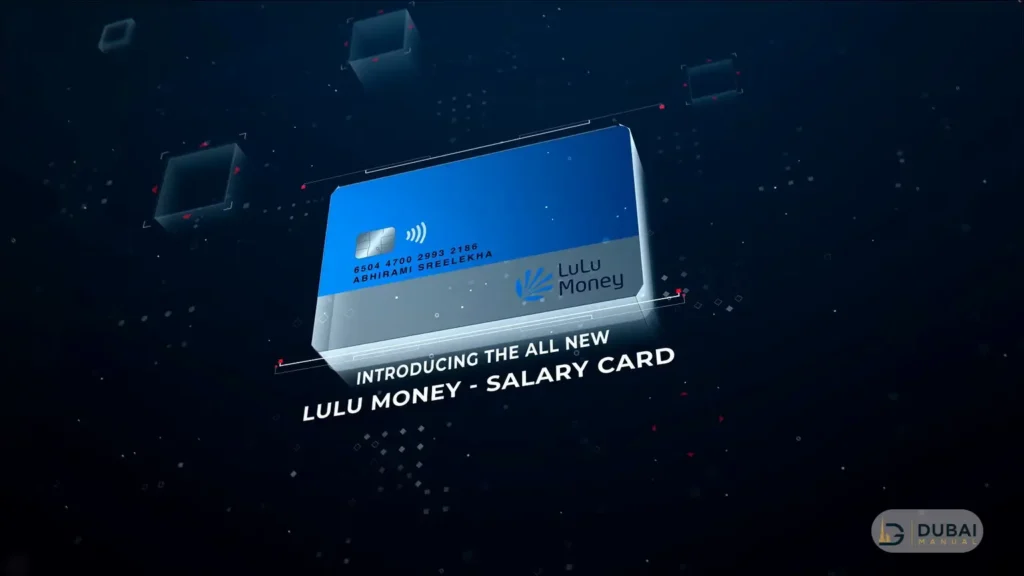
| Salary card (My Pay My Card or LuLu Money Card) | Wage Protection System payroll card. My Pay My Card is used by more than 400,000 employees at over 30,000 companies | App, SMS, partner ATMs, phone, branch |
| LuLu Money wallet | Digital account with its own IBAN and a maximum balance of AED 50,000 | App |
| LuLu Money Travel Card | Prepaid Visa with one AED wallet and up to 5 foreign-currency wallets | App (balance shown per currency wallet), ATM |
Happiness points earned on LuLu Money transactions don’t appear in any of these screens. They sit in the Lulu Hypermarket app under happiness points, behind a login with the same mobile number you use on LuLu Money.
Check your balance in the LuLu Money app
- Open the app and log in with your 4-digit app PIN or biometrics. A new user registers first with an email address, mobile number and Emirates ID, then confirms the OTP.
- Tap LuLu Money Cards on the home page, or go to More > My Cards.
- Read the available balance on the virtual card at the top of the My Cards page.
- For recent activity, open Transaction History, or tap View All under Card Transactions.
Transaction history & statements
Filters cover the current day, week, month, a custom period, POS, ATM and credit transactions. Tap Get Statement to produce a PDF you can download or share. The last month’s statement is free, and longer periods carry a charge.
Check your balance by SMS
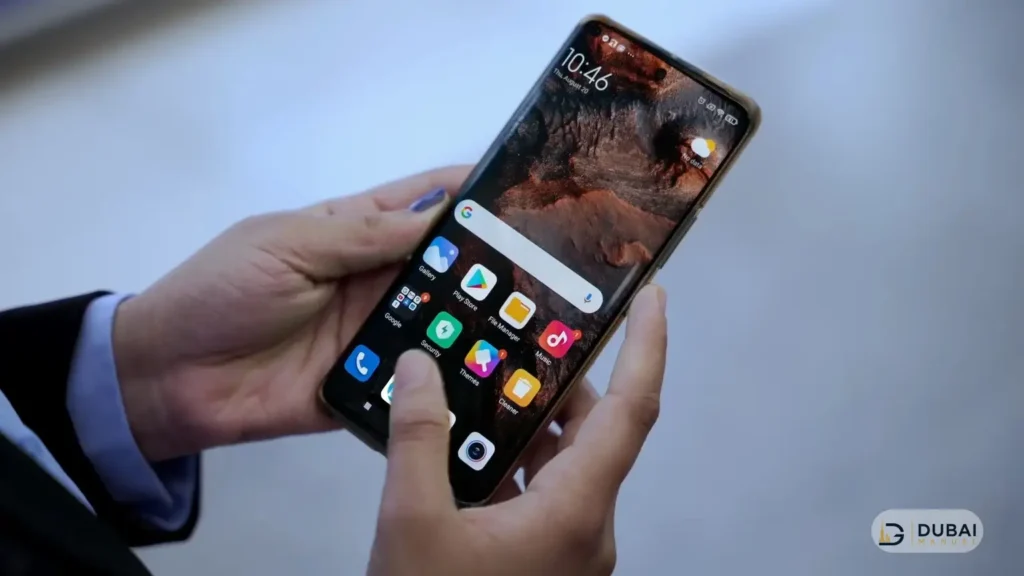
Send BAL, a space and your 16-digit card number to 51199.
- Open the messaging app on the mobile number registered with Lulu.
- Type BAL, a space and the full card number with no gaps, for example BAL 1234567890123456.
- Send the message to 51199.
- Wait a few seconds for the reply SMS with your balance.
The SMS route works on UAE mobile networks only, and your carrier’s standard SMS rate applies. The message must come from the number registered with your card.
Check your balance at an ATM
- Insert the card into a LuLu Exchange branch ATM, or an Emirates NBD, Emirates Islamic or Mashreq ATM.
- Enter your 4-digit PIN.
- Choose Balance Inquiry.
- Take the card back once the balance appears.
Outside the UAE, use ATMs that show the Discover or Mastercard logo. On the Travel Card, an ATM balance inquiry costs AED 2, so the app is the cheaper check.
A forgotten card PIN can be reset in the app. Go to My Cards, choose Change/Set Card PIN, enter the card details, confirm the OTP and set a new PIN.
Check your balance by phone or at a branch
By phone
Call Lulu customer care on 600 522 204. The line is staffed around the clock, and the agent confirms your identity before giving balance details. Non-urgent questions can go to customercare@ae.luluexchange.com.
At a branch
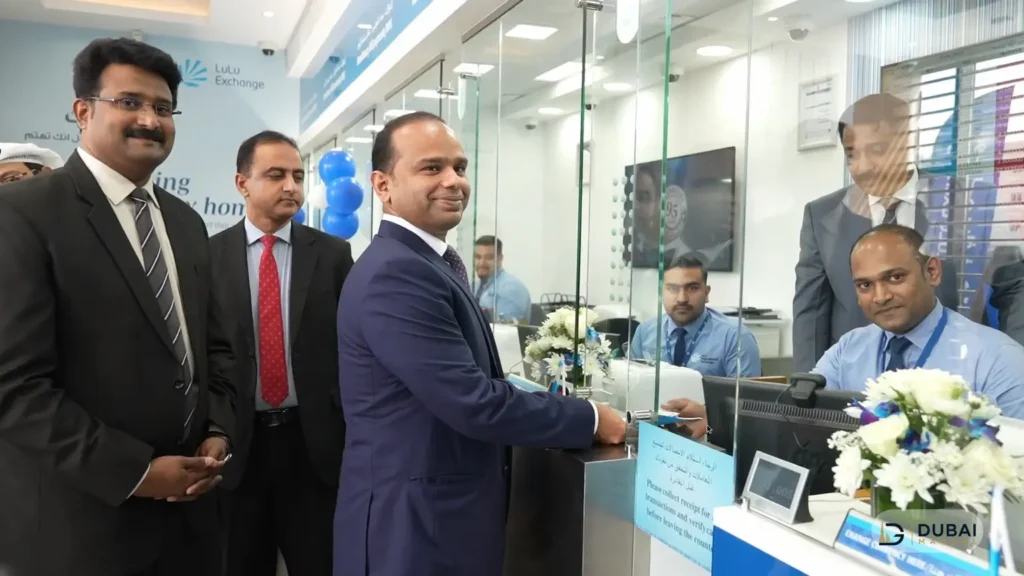
Bring the card and your original Emirates ID to any LuLu Exchange branch. Search by emirate in the branch locator to get the address and timings of the nearest branch.
A branch is the better choice when your registered mobile number has changed, since the number is updated there. It also handles KYC when the app asks for it.
When the balance looks wrong
Salary not showing
Salary reaches a My Pay My Card only after the employer uploads the payroll file and pays the funds in against the payment number issued by the My Pay Portal. A zero balance on payday points to the payroll side first, so ask your employer’s HR whether the file was uploaded and the deposit made. If HR confirms payment, call 600 522 204.
SMS gets no reply
The message has to come from the mobile number registered with Lulu and carry the full 16-digit card number. If your number has changed, update it at a branch.
The card is missing or shows activation pending
A new card needs activation before the balance appears. In My Cards, choose Activate Card, enter the card details and pick OTP verification, IVR activation or customer support. If the activation call drops, the home page shows activation pending.
The app asks for KYC
Tap the yellow KYC banner on the home page, enter your Emirates ID, choose Start my eKYC and continue with UAE PASS. A branch visit with the original Emirates ID does the same job.
A transaction you don’t recognise
Lock the card from My Cards first. Then open Transaction History, tap the transaction and choose Raise Dispute.
Scams & PIN safety
Share your card PIN and OTPs with nobody. The cardholder carries the liability when a disclosed PIN is used.
- Install the app only from the App Store or Google Play, searching for LuLu Money.
- If a message claims to be from Lulu and asks you to act, call 600 522 204 to check it first.
- Keep biometric login switched on in the app.
FAQ
How do I check my Lulu salary card balance without the app?
Send BAL and your 16-digit card number to 51199 from your registered mobile number, use an Emirates NBD, Emirates Islamic, Mashreq or LuLu Exchange ATM, call 600 522 204, or visit a branch with your card and original Emirates ID.
What is the SMS number for a Lulu balance check?
The number is 51199. Type BAL, a space and the full 16-digit card number, then send it from the mobile number registered with Lulu.
Does a Lulu balance check cost anything?
The charges that apply are AED 2 for an ATM balance inquiry on the Travel Card, a fee on statements covering more than one month, and your carrier’s rate for an SMS.
Which ATMs work for a Lulu balance inquiry?
LuLu Exchange branch ATMs and Emirates NBD, Emirates Islamic and Mashreq ATMs in the UAE. Abroad, ATMs with the Discover or Mastercard logo work.
Where do I see my Lulu Happiness points?
Log in to the Lulu Hypermarket app with the mobile number used on LuLu Money and open the happiness points section. Points from a LuLu Money transaction reflect within 1 to 24 hours.
What is the Lulu Exchange customer care number?
The UAE hotline is 600 522 204, and the email address is customercare@ae.luluexchange.com.
Next steps
- Identify your product first: salary card, wallet or Travel Card, then use its row in the table above.
- Save 600 522 204 and make sure the mobile number registered with Lulu is the one you carry.
- Log in to the app once before payday so any KYC or activation prompt is cleared early.
- If payday passes with a zero balance, ask HR about the payroll deposit before calling.